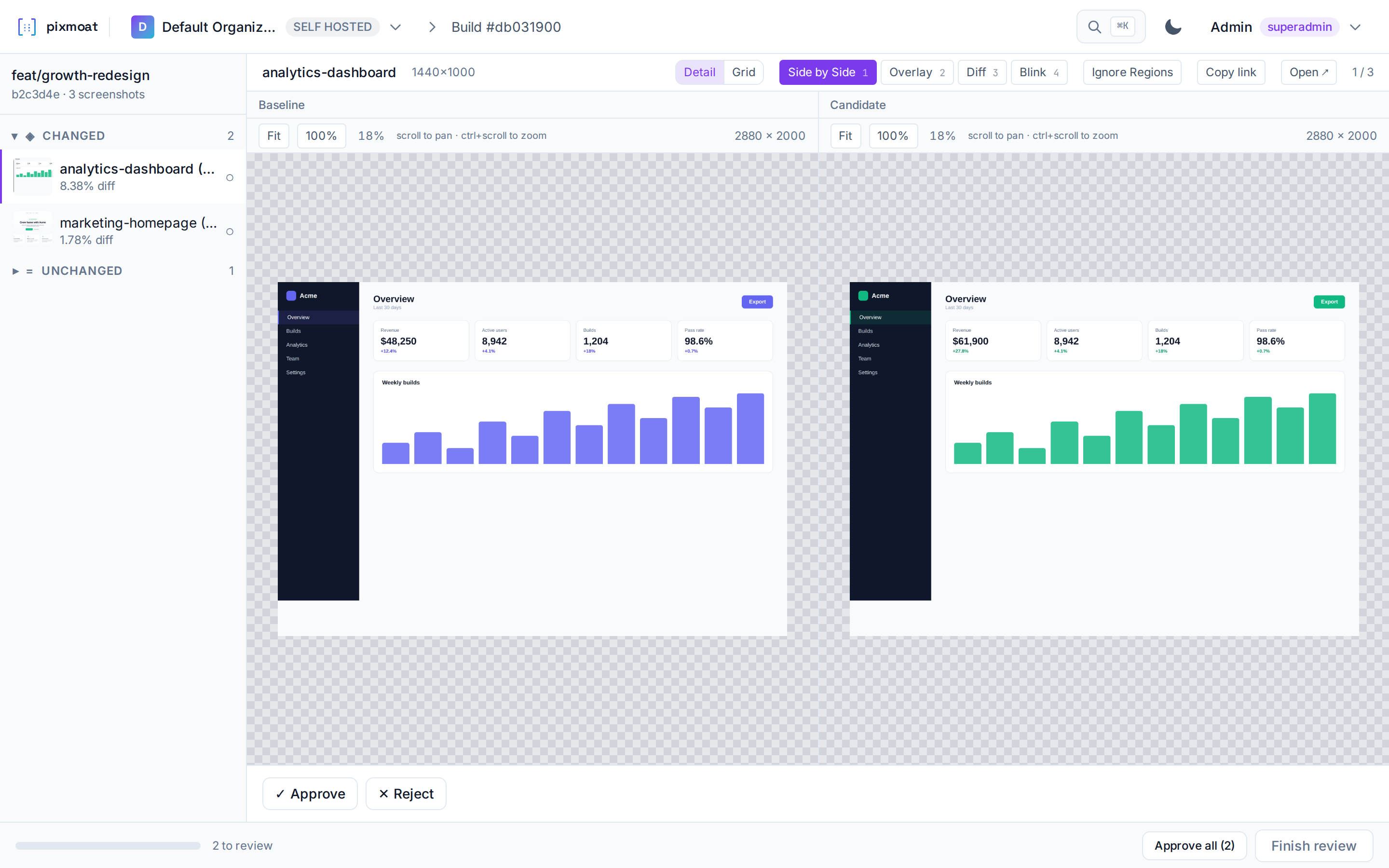
Your tests take screenshots. Pixmoat compares them with the last approved version, so you can review what changed before merging.
How a visual review works
Capture
Your Playwright tests take screenshots of the pages you choose.
Compare
Pixmoat compares each screenshot with its last approved image, called a baseline.
Review
Inspect the changes. Approve what you intended, or reject a regression.
Finish
Finish the review to save approved screenshots as the next baseline for that branch.
An example review. The baseline is on the left and the new capture is on the right. A visible change needs a decision before it becomes the next baseline.